


Remove Vocals and Create Karaoke with Our AI vocal Remover
Vocal Remover lets you Instantly remove vocals from any song either it's audio or video to create high-quality karaoke tracks. Our online AI tool eliminates the singing voice while keeping the music, bass, and drums intact.
Upload File
00:00:00 / 00:00:00
Why Choose Our AI Vocal Remover?
Creating professional backing tracks used to require expensive studio software. Now, you can remove the voice from any recording in seconds with our dedicated AI Vocal Remover.
- Create Instant Karaoke: Eliminate the vocal track completely to create the perfect instrumental for practice or performance.
- Preserve the Music: Our AI removes the voice without damaging the quality of the backing instruments (Drums, Bass, Piano).
- Video to Karaoke: Upload a music video. We extract the audio and remove the singer in one step.
- Privacy Guaranteed: Your files are processed securely and deleted automatically.
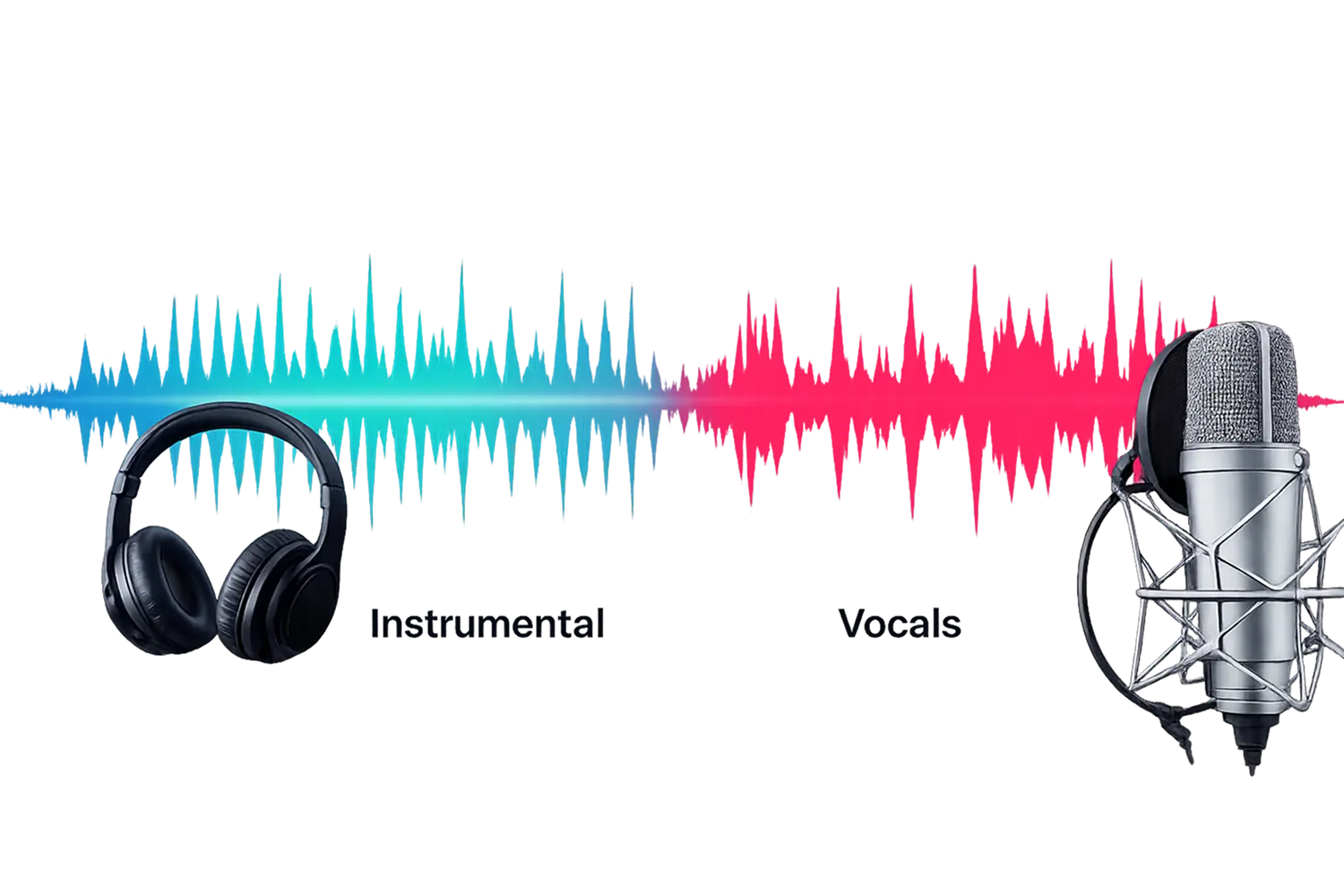
The Ultimate Karaoke Creator
Don't settle for low-quality "center channel cancellation" that ruins the music. Our neural network understands the song structure to surgically remove only the voice.
- 🎤 Precision Vocal Removal: Erase the lead singer and backing vocals while keeping the energy of the track alive. Perfect for covers and rehearsals.
- 🎵 High-Fidelity Instrumentals: Get studio-quality backing tracks. We preserve the original stereo image and fidelity of the instruments so it sounds like the original.
- ⚡ Fast & Format Friendly: Works on mobile and desktop. Support for MP3, WAV, and MP4 means you don't need to convert files before uploading.
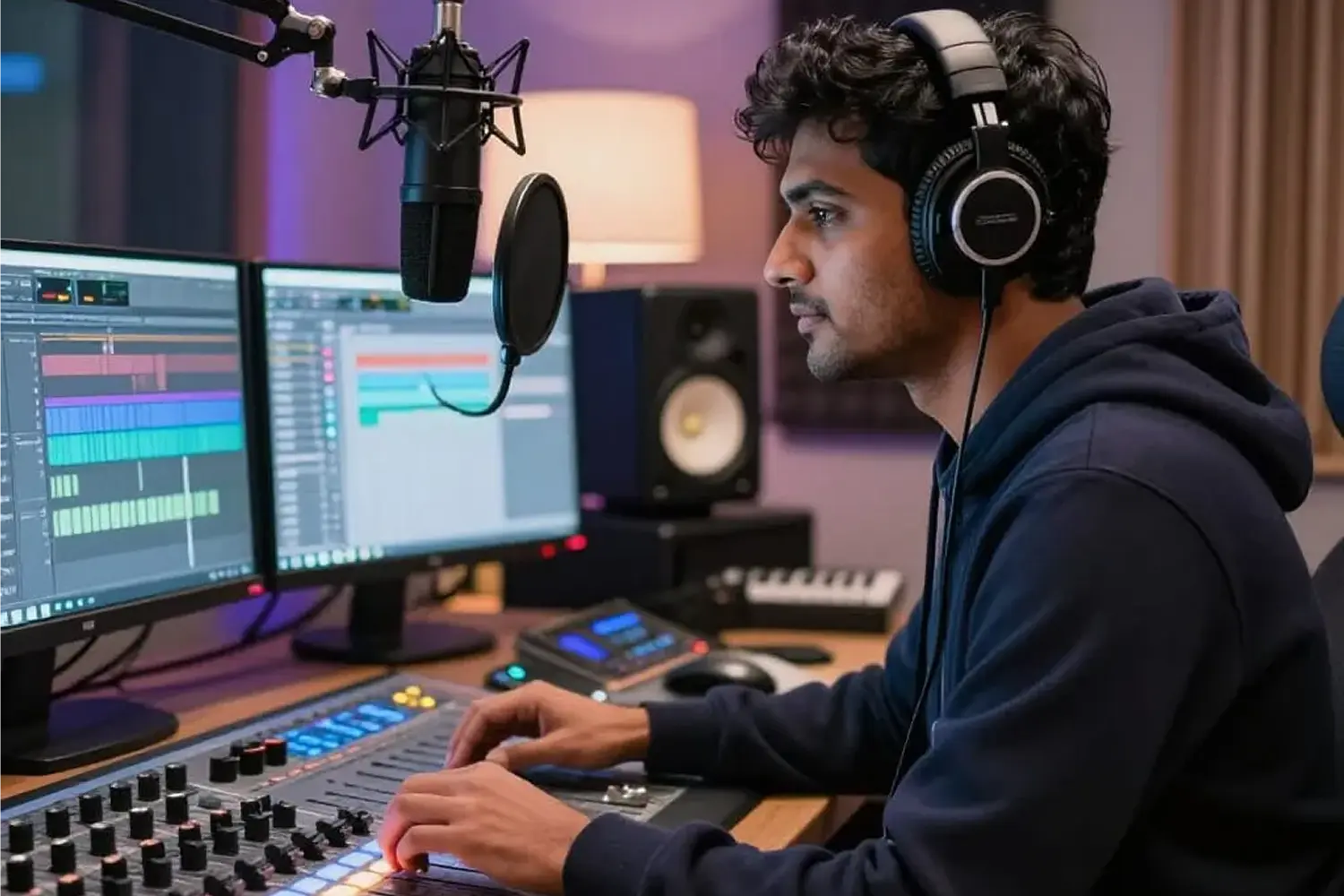
Who Needs a Vocal Remover?
From professional stage performances to daily practice sessions, our AI Vocal Remover provides the perfect clean instrumental for any audio project. See how creators use our tool:
- 🎤 Singers & Performers: Create custom backing tracks for songs that don't have an official instrumental version available.
- 🎸 Musicians: Remove the vocals to hear the underlying chord progressions and arrangements clearly for learning.
- 📹 Content Creators: Use the instrumental version of a popular song as background music for your videos (without the distracting lyrics).
- 🎹 Music Teachers: Create "Minus One" tracks for students to practice singing along to the real music.
What Users Love About Our Voice Remover
Don't just take our word for it. Join thousands of musicians, content creators, and karaoke enthusiasts who trust our AI to deliver studio-quality instrumentals every day.
I couldn't find the karaoke version of a rare song for my audition. This tool removed the vocals perfectly so I could practice.
Sarah J.
Vocalist
Most vocal removers make the music sound underwater. This one kept the drums and bass crisp while removing the singer.
Mike D.
Guitarist
I use this to turn YouTube music videos into backing tracks for my covers. Fast and easy.
Alex P.
YouTuber
How to Remove Vocals from a Song
Turn any MP3 or video into a clean instrumental track in three simple steps.
Separate Vocals
Upload Your Song
Select your file (MP3, WAV, MP4, etc.)
AI Vocal Elimination
Our AI analyzes the track and surgically removes the vocal frequencies.
Download Instrumental
Download your clean backing track and start singing.
Simple Pricing For Everyone
Pricing built for business of all sizes. Always know what you’ll pay.
Frequently Asked Questions
Easily extract vocals or instrumentals from any song, audio, or video in just a few clicks. No audio editing skills needed!